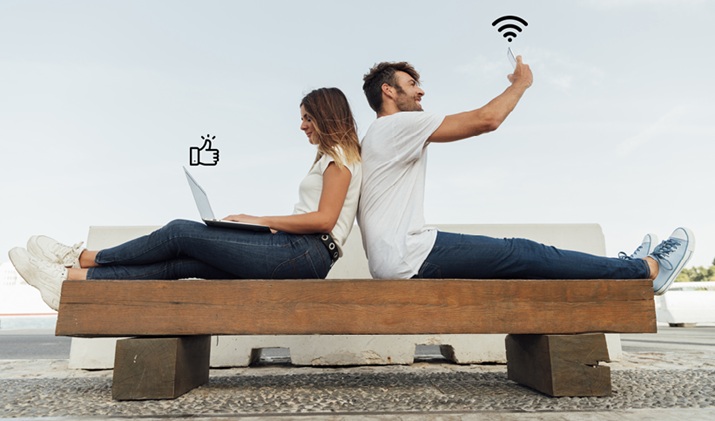

The internet is the backbone of any event, and when everyone from attendees to staff, exhibitors, and vendors has to be connected simultaneously, it can make or break an event. Venue WiFi may not be sufficient in terms of capacity, and 100% dependence on individual mobile networks may result in another set of problems.
While a dedicated connection can be a viable solution, the specific type of connection required will depend on the individual’s needs and the speed they are looking for. When planning hotspot rentals, take into account coverage, capacity, battery life, security, and the unique requirements of your event.
Check Coverage at Your Venue
A hotspot is useless unless it can maintain a stable connection where you need it. Mobile network coverage can differ between buildings, floors, rooms, and sections within a building. Signal quality may be affected by thick walls, underground areas, large buildings, and surrounding buildings.
Be sure to check with the event host about available mobile networks for good reception before booking the rentals. If an event is outside, review the entire site, not just the main location. There can be connectivity needs for registration desks, food areas, stages, and vendor spaces.
Think About Security
Cybersecurity issues can also arise in public events. If you plan to use the hotspot by several individuals, you should select strong security settings and not share unnecessary sensitive information. Ideally, event staff who are collecting payment, registration, or other confidential business information should use dedicated connections or other security measures.
Inquire with the hotspot rental company about the network security options and device control features that are available.
Estimate How Many Devices Need Internet
First, figure out the number of individuals who will need access and their intended activities on the Internet. Those who check email use relatively little bandwidth, while those who livestream, video conference, upload large files, or run cloud-based applications can use a lot more.
A useful approach is to separate critical devices from general guest access. This will help you to decide if you need one hotspot or if you need to have some more equipment as well to give you better reliability.
Consider Battery and Power Requirements
If the hotspot goes offline in the middle of the event, connectivity won’t be much of a help. Don’t just take battery standby times for granted; ask about how long it can last under realistic use. With high traffic, power usage can rise.
If the event is going to be a longer event, make sure that access to reliable power is planned. Pack compatible power banks or other admissible devices for power as applicable. When outdoors or in a temporary building, consider power availability before the event.
Conclusion
Renting a WiFi hotspot can be a valuable tool to enhance event connectivity, though setting one up is a process that begins with the right plan. The coverage, number of devices, power, security, and the type of event should all factor into your decision.
With the proper hotspot rentals, organizers can make a strong connection that will be more reliable and not the surprise topic of the event.